Resource Hub
Running AI agents inside a real company.
How to put agents to work in Slack, Teams, and email without losing control of your data, your costs, or your people's trust.
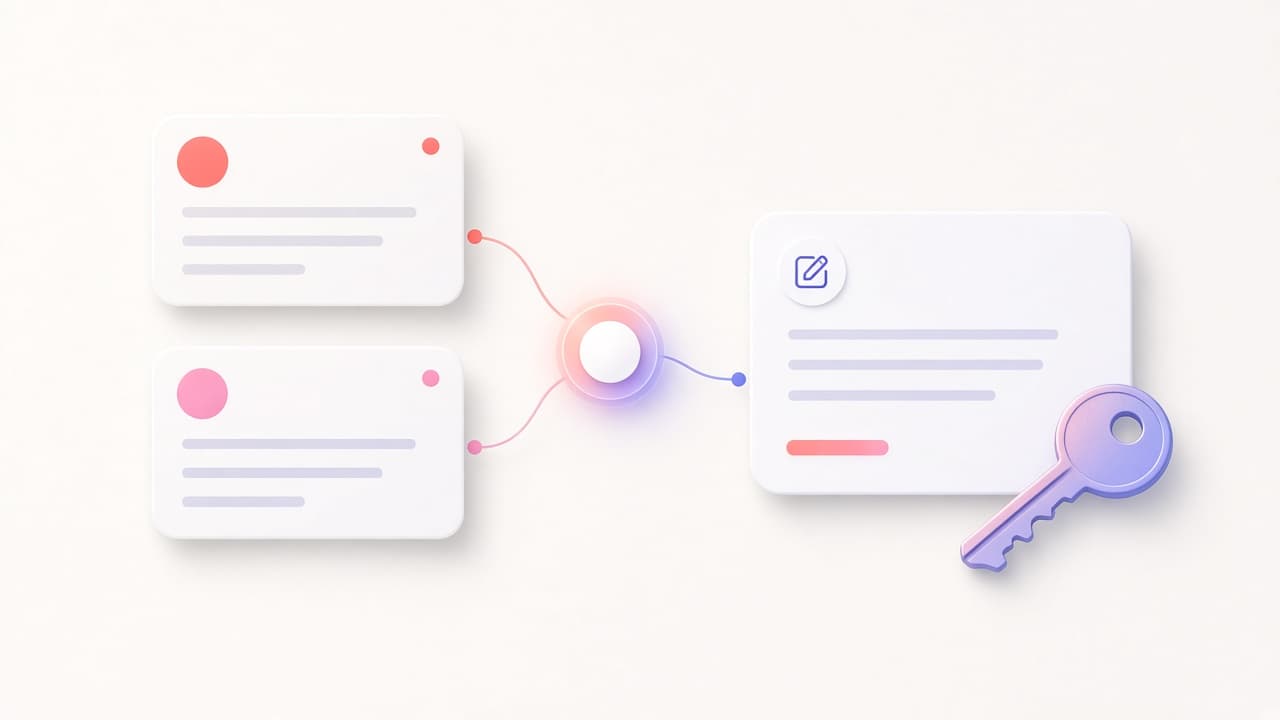
A morning in support: one Intercom thread, a draft, and a person
An example support morning. An agent reads an Intercom conversation, checks the help center, and drafts a reply. A person sends it.
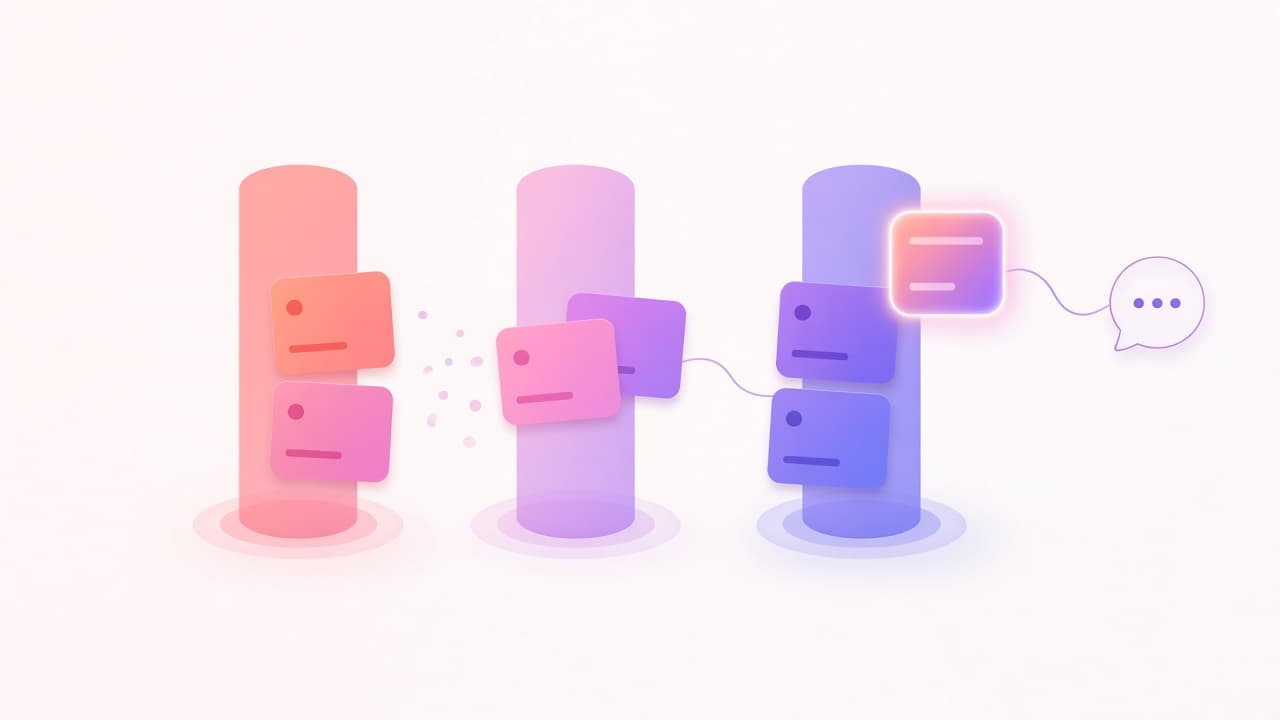
A Monday for sales: the pipeline before anyone opens Pipedrive
An example Monday. A scheduled agent reads Pipedrive, posts a short brief to Slack, and leaves stage changes for a rep to approve.
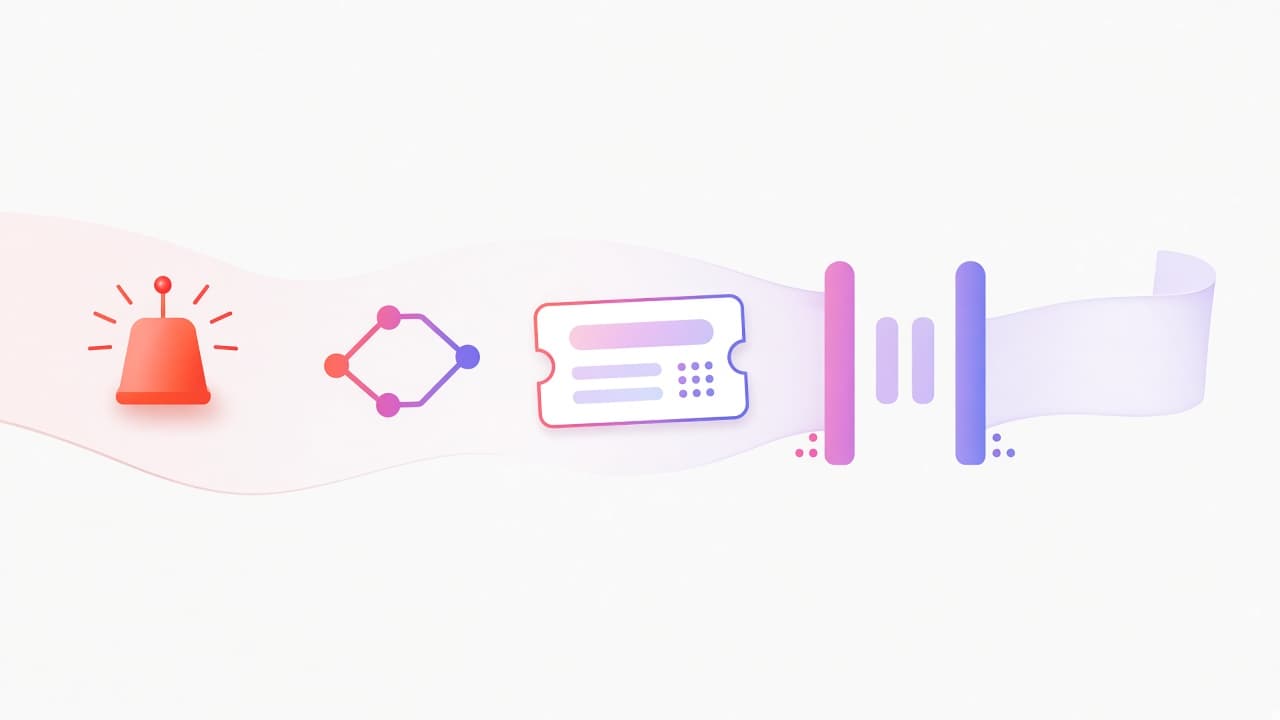
An incident for engineering: context in the channel, the fix with a person
An example on-call page. A webhook starts an agent that reads Sentry, Git, and Jira, then posts a brief. An engineer decides the change.

A policy question for HR: the handbook answers, the sensitive case does not
An example HR afternoon. An employee asks about parental leave in Slack. The agent cites the handbook. A question about a colleague goes to a person.
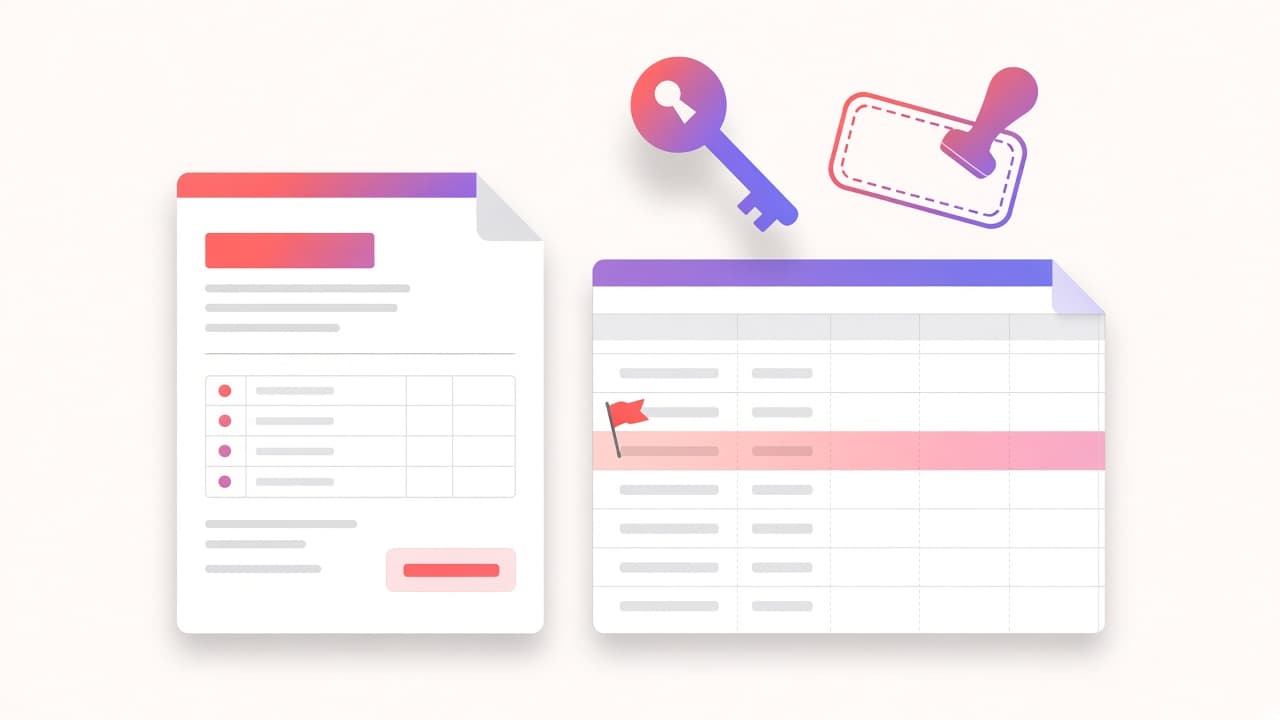
An invoice for finance: read the PDF, flag the mismatch, do not pay it
An example accounts-payable hour. An agent parses an invoice, compares it to the purchase-order sheet, and waits. Nobody gets paid by the bot.

A brief for marketing: the campaign page, a web search, a draft a lead will edit
An example content morning. An agent reads the campaign note in Notion, searches the web, and drafts a brief. It does not publish.
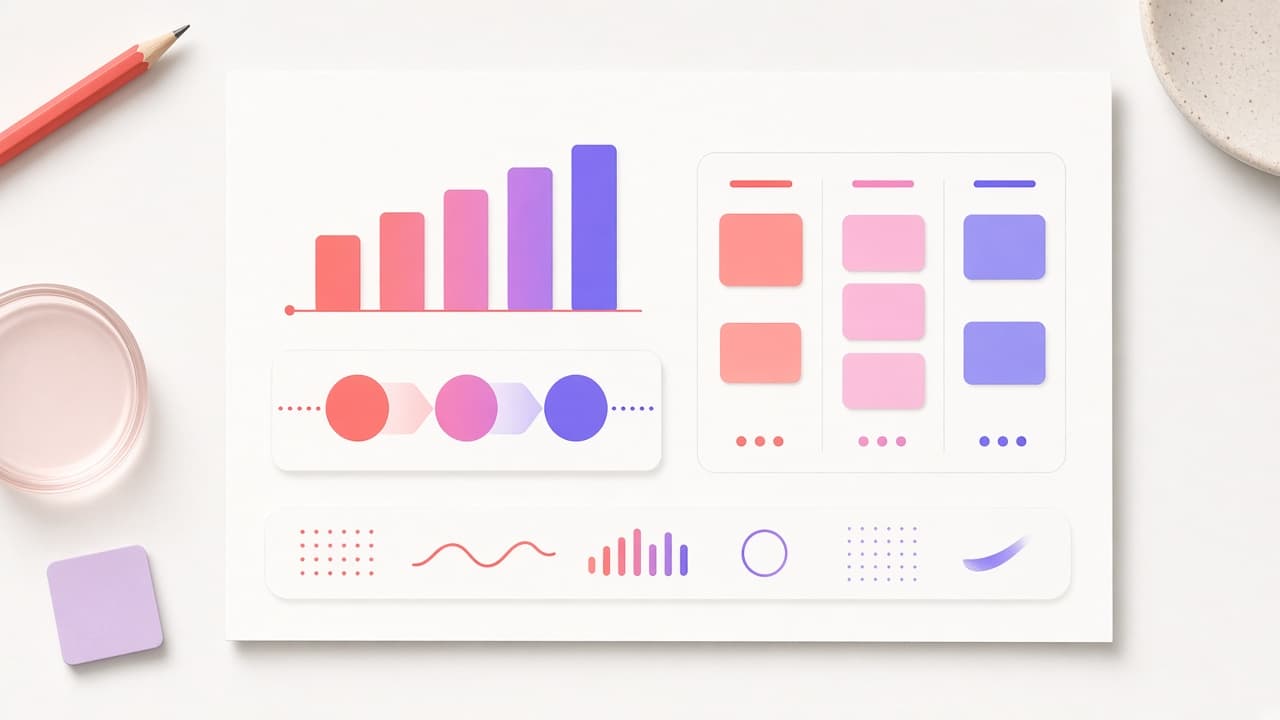
A Monday brief for leadership: three sources, one note, no new numbers
An example leadership Monday. A scheduled agent pulls Pipedrive, Jira, and a finance sheet, draws a chart, and posts a brief. The narrative stays with a person.

The tools your agents can actually call
Team Two ships tools for search, files, Git, Jira, Notion, Slack, Pipedrive, Intercom, Figma, Bitbucket, Startdeliver, and email. An agent only gets the ones you allow.
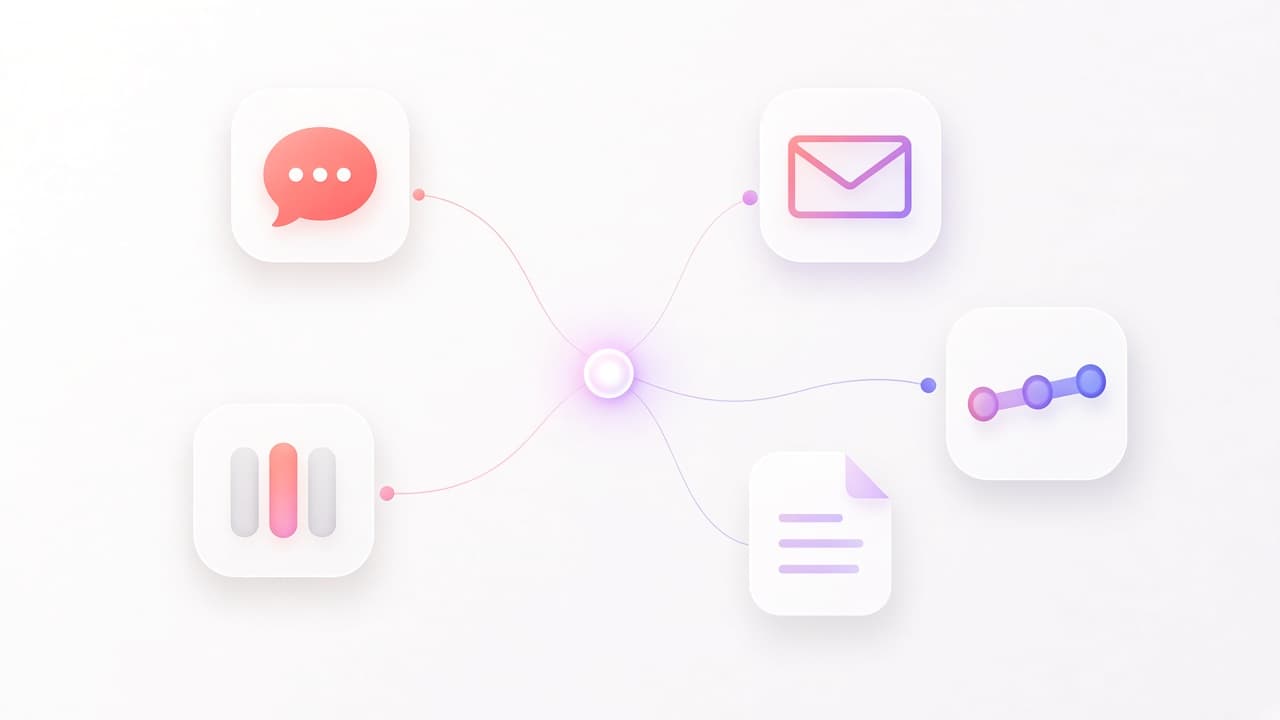
Connect the stack you already run
Slack, Teams, and email are channels. Jira, Notion, Figma, Bitbucket, Pipedrive, Intercom, and Startdeliver are built-in tools. GitHub, Google, and databases connect through MCP.
Skills are playbooks, not a longer prompt
A Team Two skill is a playbook an agent can activate: how to review a pull request, handle an incident, prep a meeting, or answer an RFI. Tools are separate.
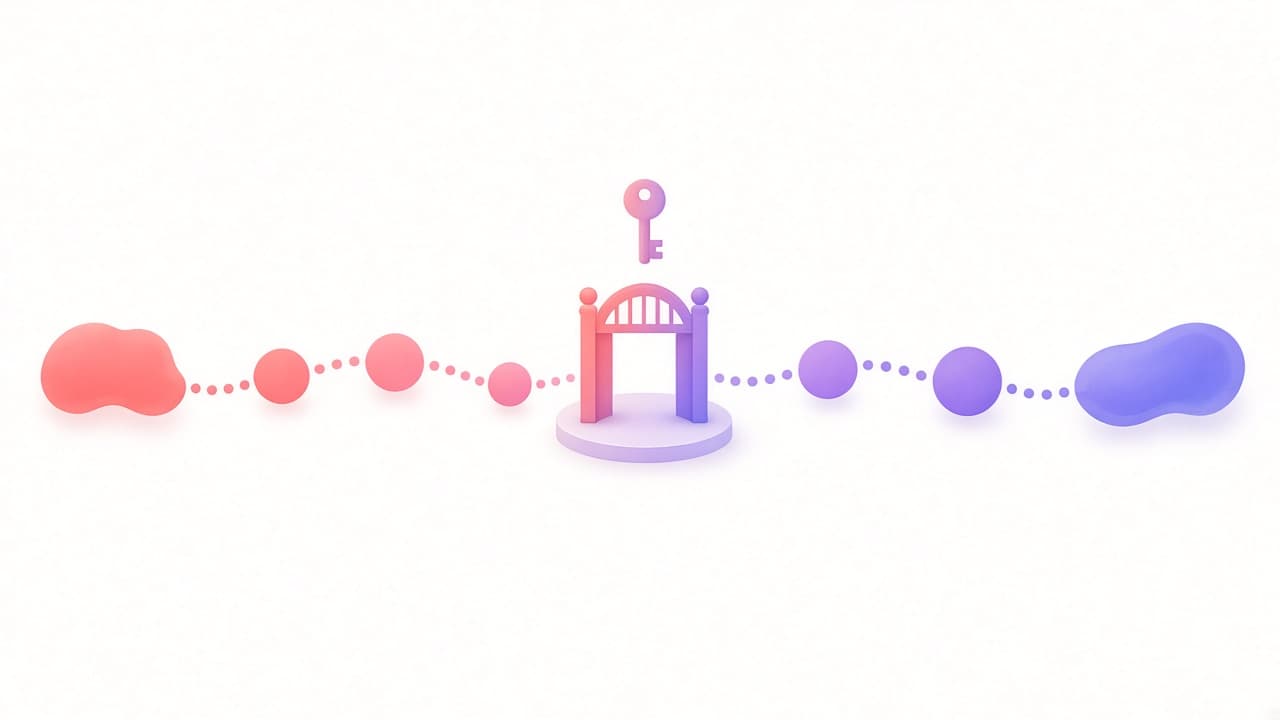
Workflows that wait for a person
Team Two workflows are a canvas of agents, tools, and branches. A human-input step pauses the run. Customer email is not sent until someone approves it.
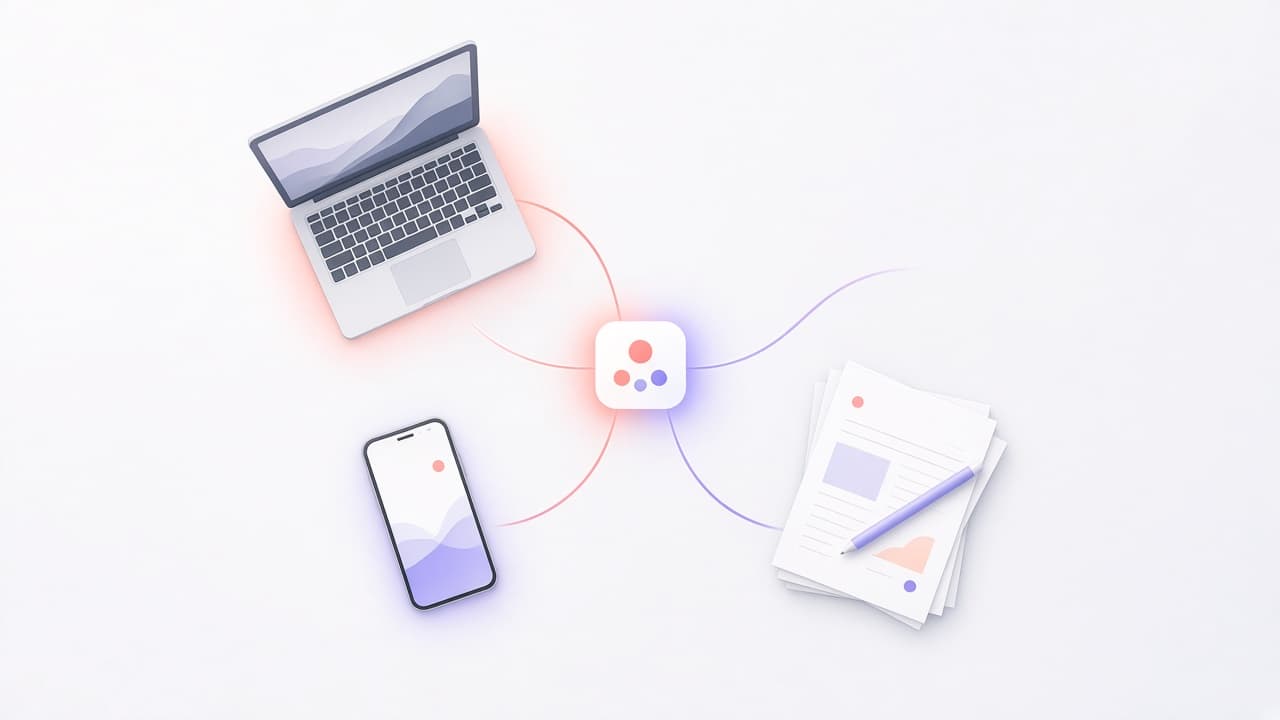
What is Team Two? AI agents that work where your company already works
Team Two gives your company AI agents that live in Slack, Teams, and email, know your documents, use your tools, and respect your permissions.
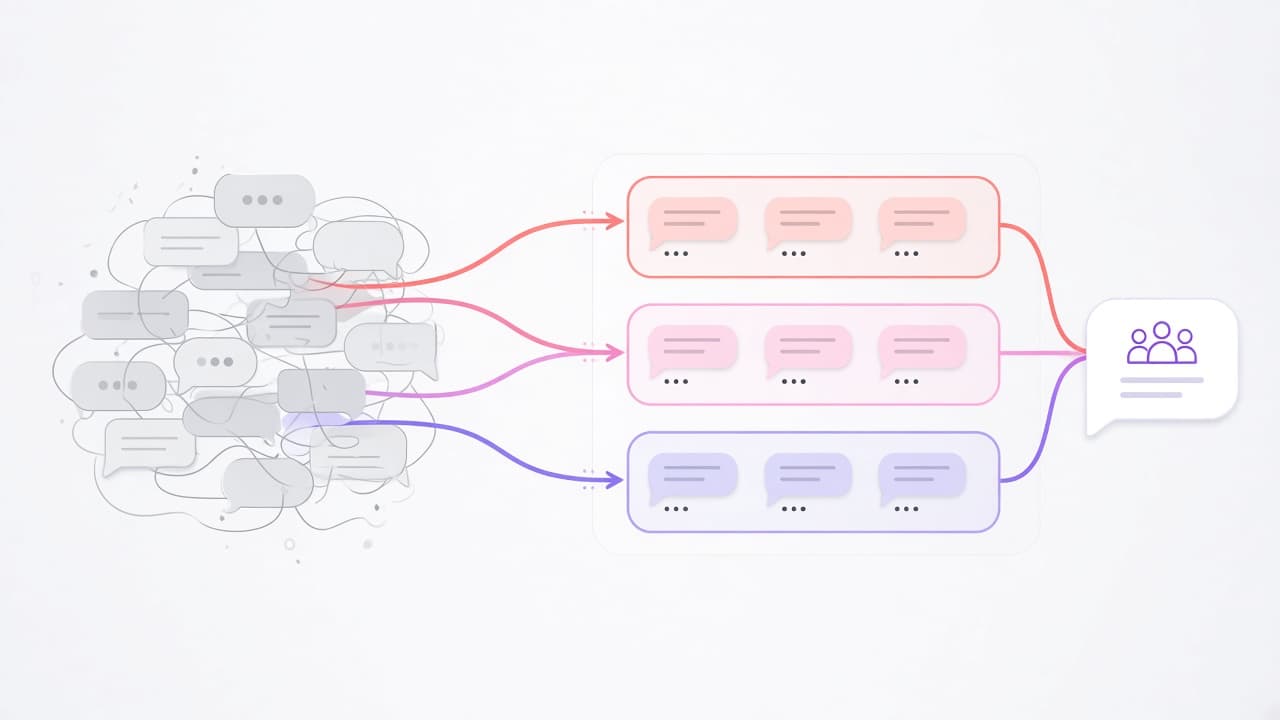
From a messy Slack thread to an agent team: a step-by-step walkthrough
What actually happens when a customer question lands in Slack and an AI agent picks it up, step by step, from routing to the reply.

Chatbots fixed the wrong problem
AI chat made it easy for one person to get one answer. The hard part of company work was never typing the question.

Who is in control? How permissions work when AI agents act for your team
The question every security review asks about AI agents, answered plainly: what agents can see, what they can do, and who can check.
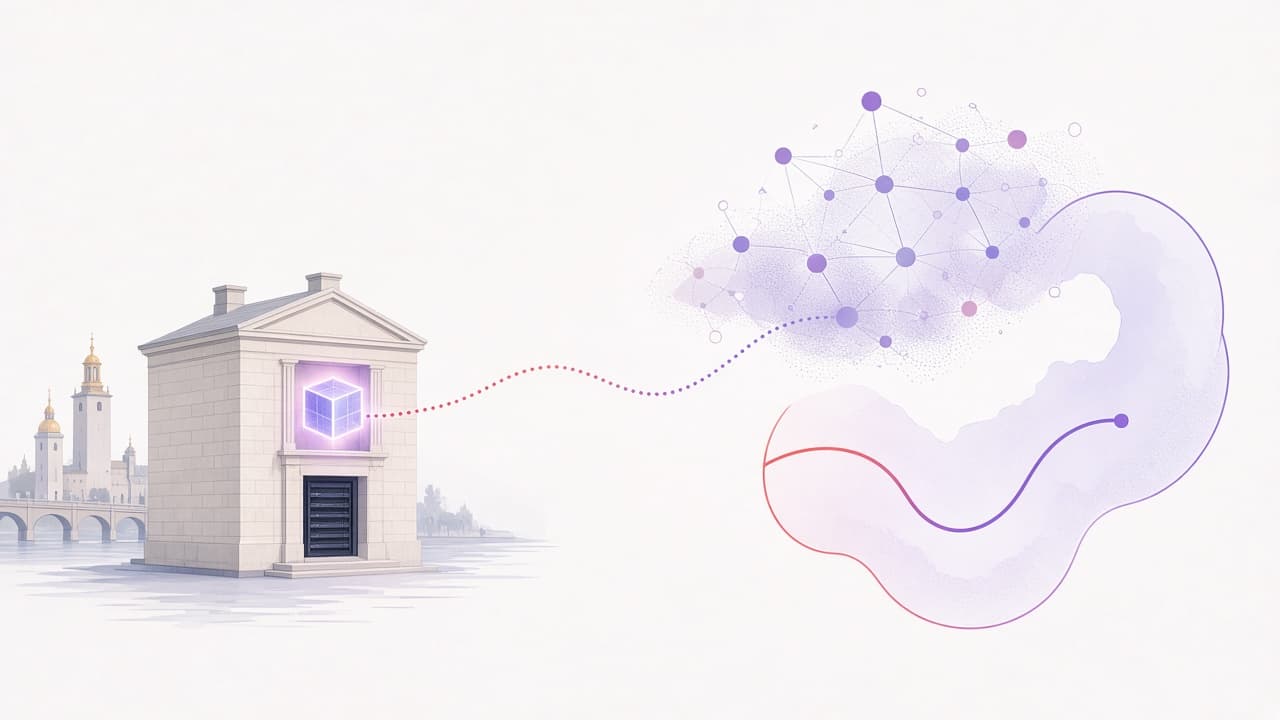
Where your data goes when an AI agent answers
Your data is stored in Stockholm. Model calls are a different question. Here is exactly what leaves, where it goes, and how to keep it closer.
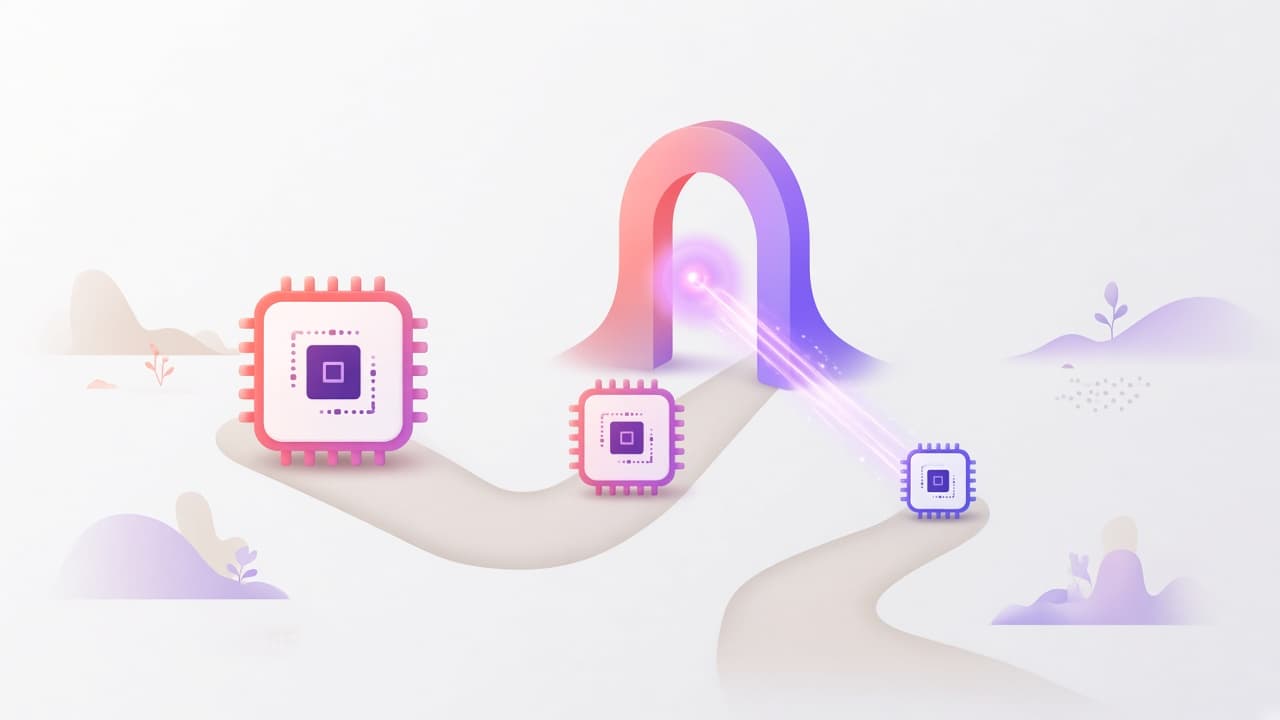
Three questions to ask about your AI bill
AI costs are easy to ignore in a pilot and hard to explain at scale. Three questions that make them predictable, and how Team Two answers them.