From a messy Slack thread to an agent team: a step-by-step walkthrough
By Team Two · Last updated September 23, 2026 · 4 min read
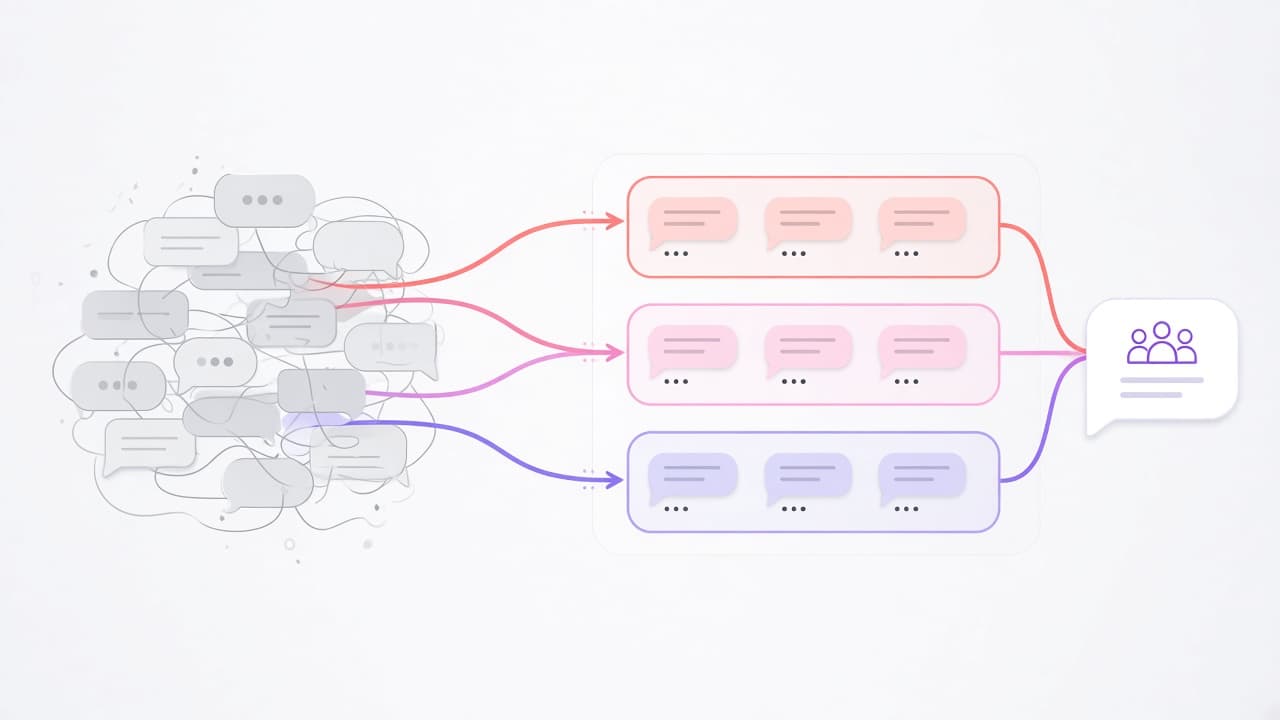
It is easy to describe AI agents in the abstract. It is more useful to follow one request from start to finish and see what happens at each step, and where people stay involved.
Here is a request most support and operations teams will recognize. A customer success manager drops this into the #support channel:
"Customer at Nordlys says they were charged twice in August, their invoice shows the old plan, and they want to know if the new SSO feature is included for them. Can someone check?"
Three questions in one message: a billing check, a plan check, and a product question. Here is how Team Two handles it.
1. The message is routed to the right agent
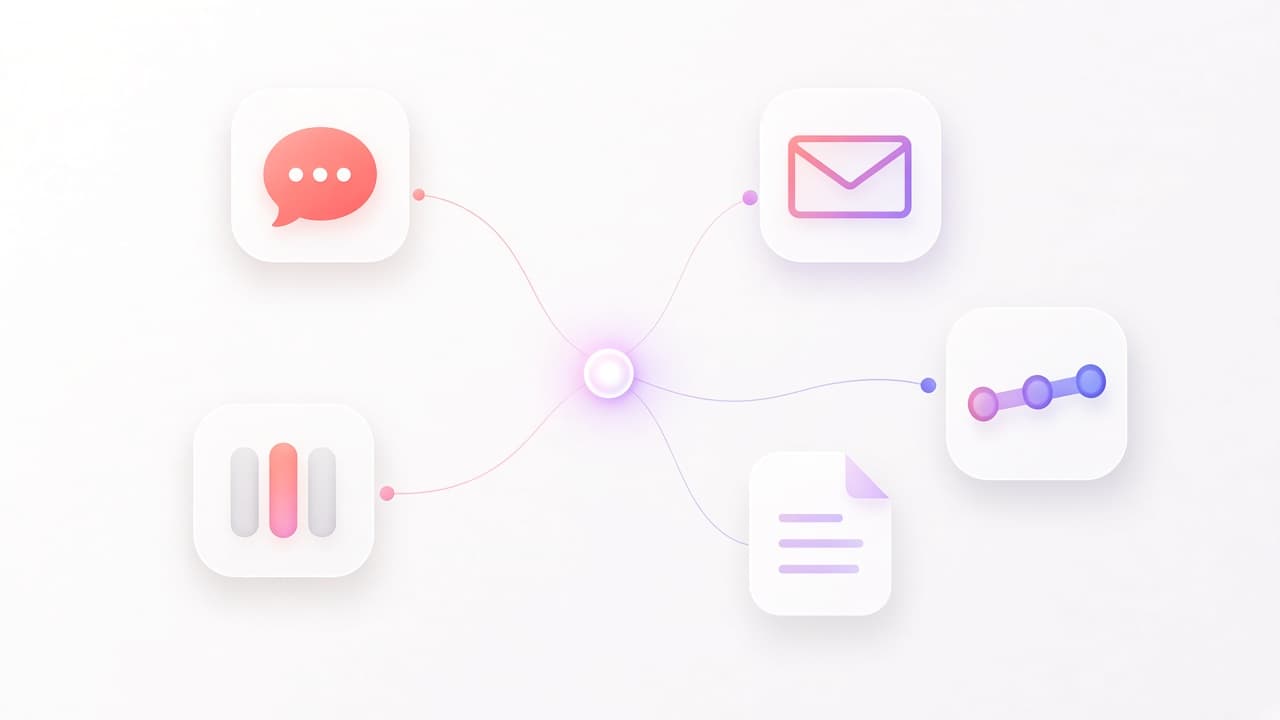
The CSM can mention an agent directly, for example @support, and that agent takes the request. If they just post in a channel the platform watches, Team Two decides which agent should handle it. Depending on how your workspace is set up, it either classifies the message and picks the best-matching agent, sends everything to a lead agent that can delegate, or follows routing rules you have defined by channel, keyword, or team.
If the classifier isn't confident, it falls back to your routing rules instead of guessing. Either way, the choice is recorded so you can see why an agent was picked.
2. The thread becomes a pinned conversation
The Slack thread is tied to one conversation in Team Two. Every reply in that thread goes to the same agent, with the full history. If the CSM comes back the next morning and writes "any update?", the agent knows exactly what "update" refers to.
3. The agent reads your knowledge first
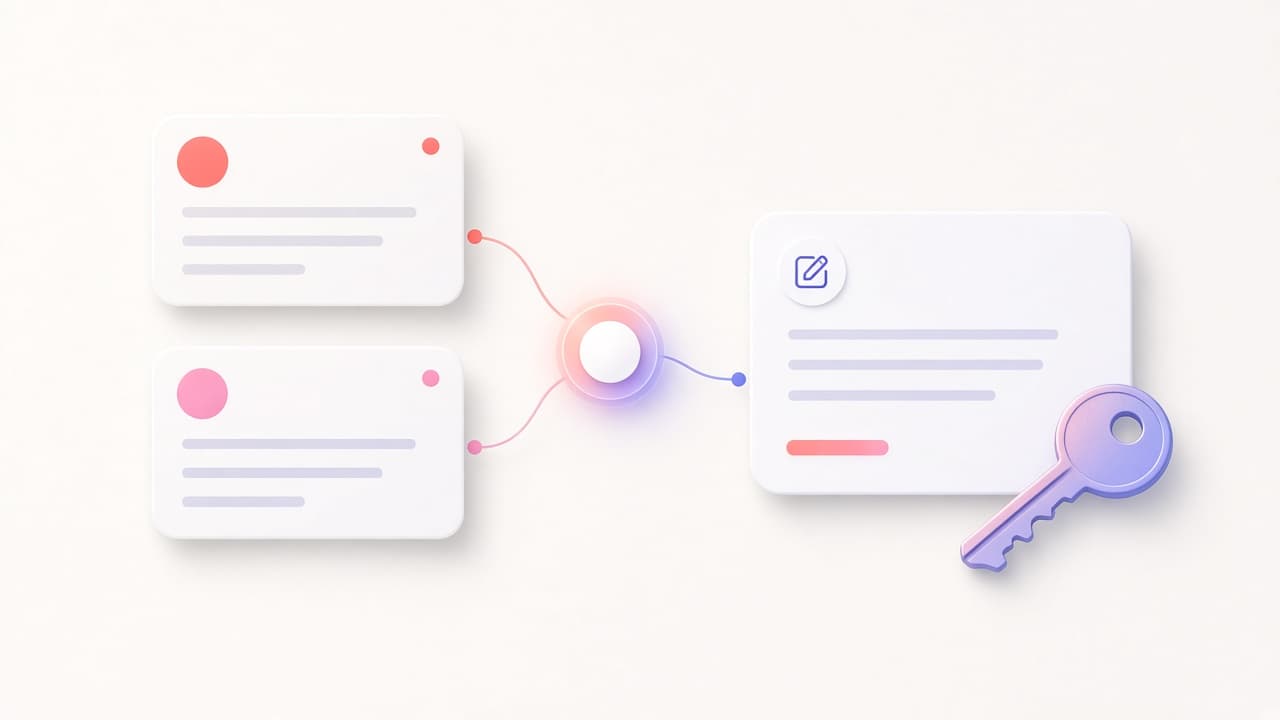
Before answering, the agent searches the knowledge sources it has access to. Here that might be your pricing and packaging document, which says which plans include SSO, and your billing FAQ, which explains how duplicate charges are handled.
The relevant passages go into the agent's context with their source titles, so the answer can say where each fact came from. The search only covers documents this agent, acting for this CSM, is allowed to read.
4. It splits the work across specialists
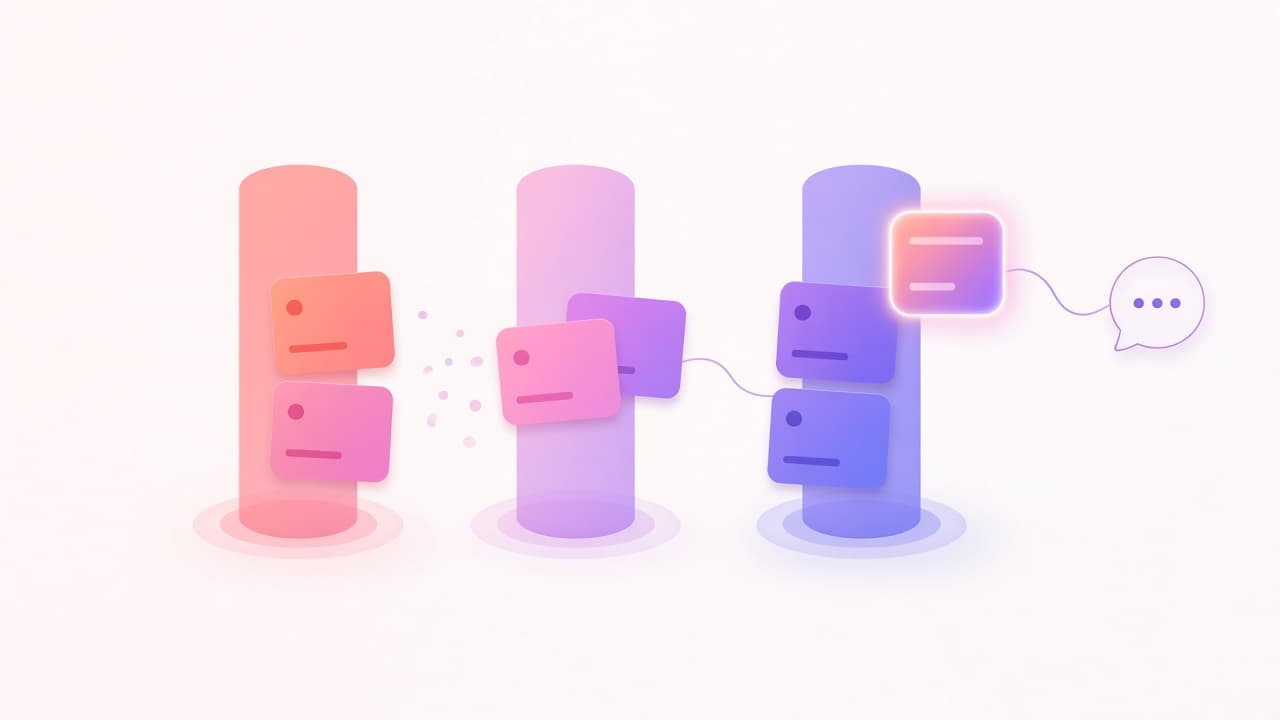
The billing question needs different tools from the product question. If the support agent is set up as a lead agent, it can hand parts of the request to specialist agents that run in parallel:
- A billing agent with read access to your billing system checks the August charges and the current plan on the account.
- A product agent with your release notes confirms when SSO was released and which plans include it.
Each specialist runs with the CSM's permissions, not broader ones. Specialists can't create more agents themselves, and there are limits on how many run at once and for how long. You can watch each one start, work, and finish in the conversation view.
5. Tools do the lookups, not guesswork
The billing agent doesn't guess whether there was a duplicate charge. It calls a tool: an integration you connected, an internal API behind a webhook, or an MCP server your team runs. The tool call and its result are part of the conversation record.
Which tools an agent has is your decision. For a flow like this, many teams give agents read access only, and keep refunds and plan changes with a person.
6. A person gets a clear answer and decides
The lead agent combines what came back and replies in the thread, for example:
- Two charges were made on 3 August for the same invoice. One looks like a duplicate.
- The account is still on the old plan because the upgrade was never confirmed.
- SSO is included in the plan they asked about, according to the pricing document.
- Suggested next step: refund the duplicate charge and confirm the upgrade. Draft message to the customer attached.
The CSM checks the sources, issues the refund in the billing system, and sends the draft, or edits it first. The agent did the digging. The person made the call.
7. Everything is visible afterwards
Later, anyone with access can open the conversation and see which agent handled it, which documents were searched, which tools were called and what they returned, and how many tokens it used. Admins see usage per agent and per team. The conversation itself stays private to the people involved unless they share it.
What this example shows
Nothing here is magic. It is a set of pieces working together: routing, a persistent thread, permission-aware knowledge search, specialists with limited tools, and a record of what happened. A chat window gives you one of those pieces. The value comes from all of them together, in the channel where the request arrived.
Want to see this on your own documents? Book a demo.
Frequently asked questions
Can agents take actions, like issuing a refund?+
Only if you give them a tool that can. Many teams start with read-only tools and keep actions with people, then widen access for specific, low-risk tasks.
What if the agent picks the wrong specialist?+
You can see every routing decision and delegation in the conversation, and adjust agent descriptions or routing rules. People can also mention the agent they want directly.
Does this only work in Slack?+
No. The same flow works in Microsoft Teams, email, the web app, and through the API.