What is Team Two? AI agents that work where your company already works
By Team Two · Last updated September 23, 2026 · 4 min read
Most companies have already tried AI. Someone pastes a customer email into a chat window, gets a decent draft back, and pastes it into the reply. It helps that one person, once. It doesn't change how the team works.
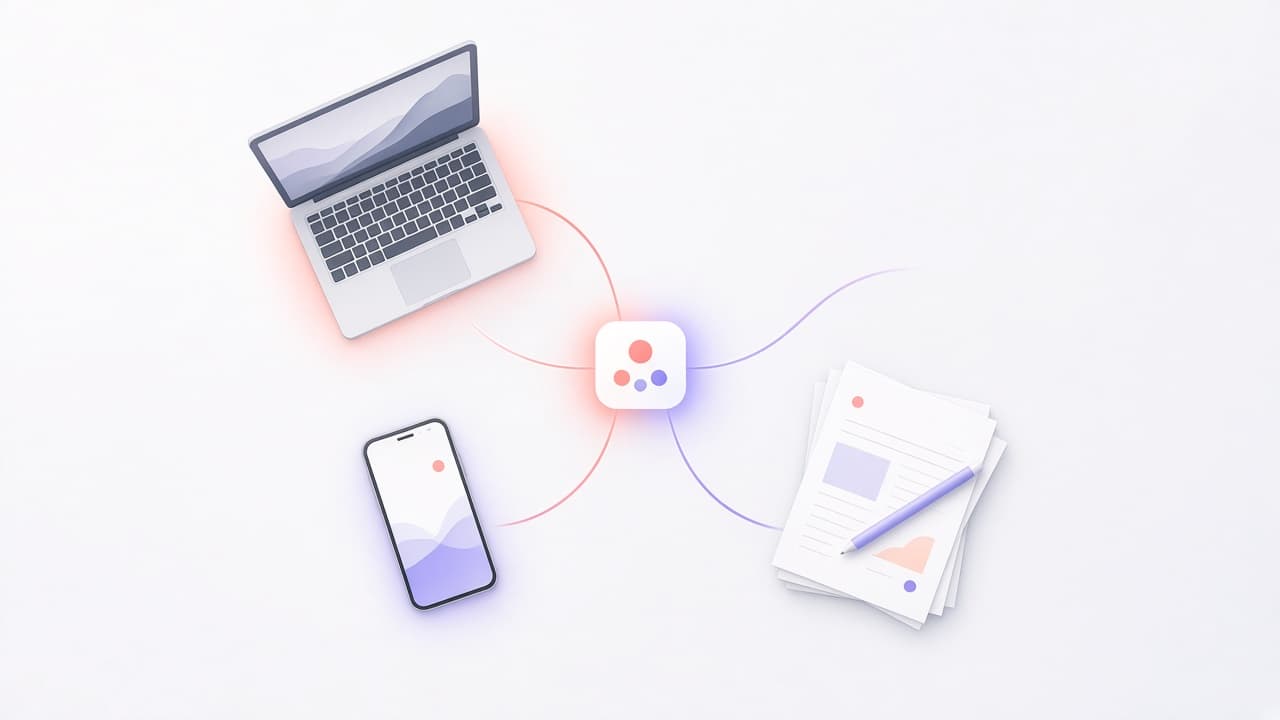
Team Two is built for the next step: AI agents that are part of how your company runs. They sit in the Slack channels, Teams chats, and inboxes where requests already arrive. They answer from your own documents. They can look things up and take actions in the tools you connect. And they only see and do what the person they are working for is allowed to see and do.
An agent is a role, not a prompt
In Team Two you create agents the way you would describe a role on your team. Each agent has a name and a handle, a persona that sets how it writes and what it focuses on, a set of tools it may use, and the knowledge sources it may draw on.
A support agent might have your help center, your refund policy, and read access to your ticketing system. A finance agent might have your expense policy and a spreadsheet tool. An onboarding agent might have the employee handbook and nothing else. You decide the scope, and the scope is enforced.
It works in the channels you already use
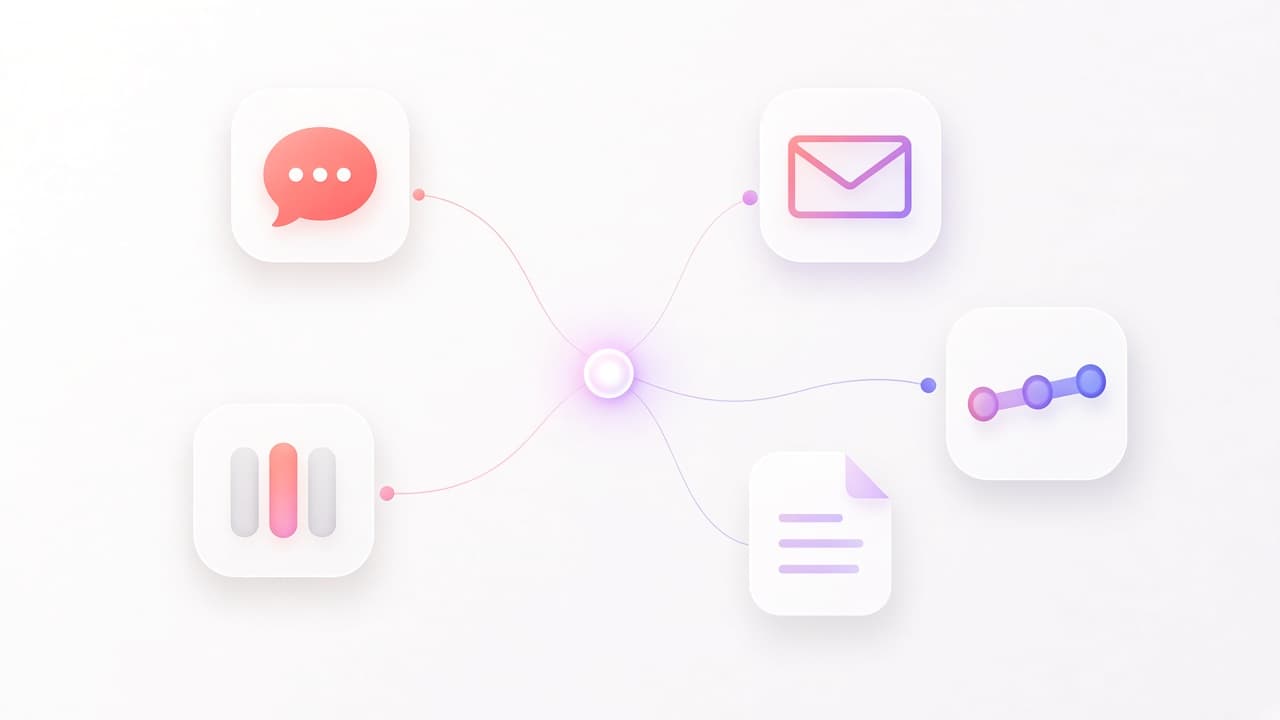
You don't need to ask people to open another app. Agents connect to the places work already happens:
- Slack channels and threads, where people mention an agent or ask in a channel the agent watches.
- Microsoft Teams chats and channels.
- Email, so an agent can work a shared inbox.
- Webhooks and a REST API, for your own systems and internal tools.
- The Team Two web app, for longer working sessions with an agent.
A conversation in a thread stays with the same agent. If someone replies in that Slack thread tomorrow, the agent picks up with the full history instead of starting over.
It answers from your knowledge, with sources
Upload documents such as policies, product docs, runbooks, or contracts, and Team Two splits them into passages, indexes them, and retrieves the most relevant ones when an agent answers. Answers cite the document they came from, so people can check them.
Documents have owners and visibility, just like files in a shared drive. A document can be private to one person, shared with a team, or visible across the workspace. When an agent searches, it only searches what it is allowed to.
One agent, or a team of agents
Many requests need one agent. Some need several. When a request has distinct parts, such as checking an order, reading a contract clause, and drafting a reply, a lead agent can hand those parts to specialist agents that work in parallel, then combine what they return.
Specialists can't spawn further agents of their own, and every specialist works with the same permissions as the person who asked. There are limits on how many run at once and how long each can take, so a single request can't run away with your budget. We walk through a full example in From a messy Slack thread to an agent team.
People stay in control
Agents act for people, not instead of them. A few things make that concrete:
- Agents only use the tools you give them. An agent without a write tool can't change anything.
- Every chat belongs to the person who started it. Admins manage agents and settings, but can't read someone else's conversations unless they are shared with them.
- Changes made through the platform are recorded in an audit log, and token usage is tracked per agent.
- You can watch an agent work in real time: which agent was picked, which documents it searched, which tools it called.
Our post on who is in control goes into the details.
Your choice of model
Team Two runs on models from Anthropic and OpenAI, or on a model you host yourself with vLLM. You can set a default, let Team Two fall back to another provider if one is unavailable, or require that sensitive work stays on a local model. Your data is stored in the EU, in Stockholm. What that means for model calls is explained in where your data goes.
Who it is for
We built Team Two for companies of roughly 50 to 500 people in the Nordics and the rest of Europe that already run on Slack or Microsoft Teams. They are big enough that the same questions and requests repeat across teams every day, and small enough that nobody has time to build and maintain their own agent platform.
If that sounds like you, book a demo and we'll set up a first agent on your own documents.
Frequently asked questions
Is Team Two a chatbot?+
No. A chatbot is one conversation with one model. Team Two is the layer around the model: agents with defined roles, connected to your channels, knowledge, and tools, with permissions and an audit trail.
Do we need developers to set it up?+
No. Agents, knowledge, and channel connections are configured in the admin app. Developers can use the API and webhooks if they want to connect internal systems.
Is our data used to train models?+
No. We don't use customer data to train AI models. See our Privacy Policy and sub-processor list.