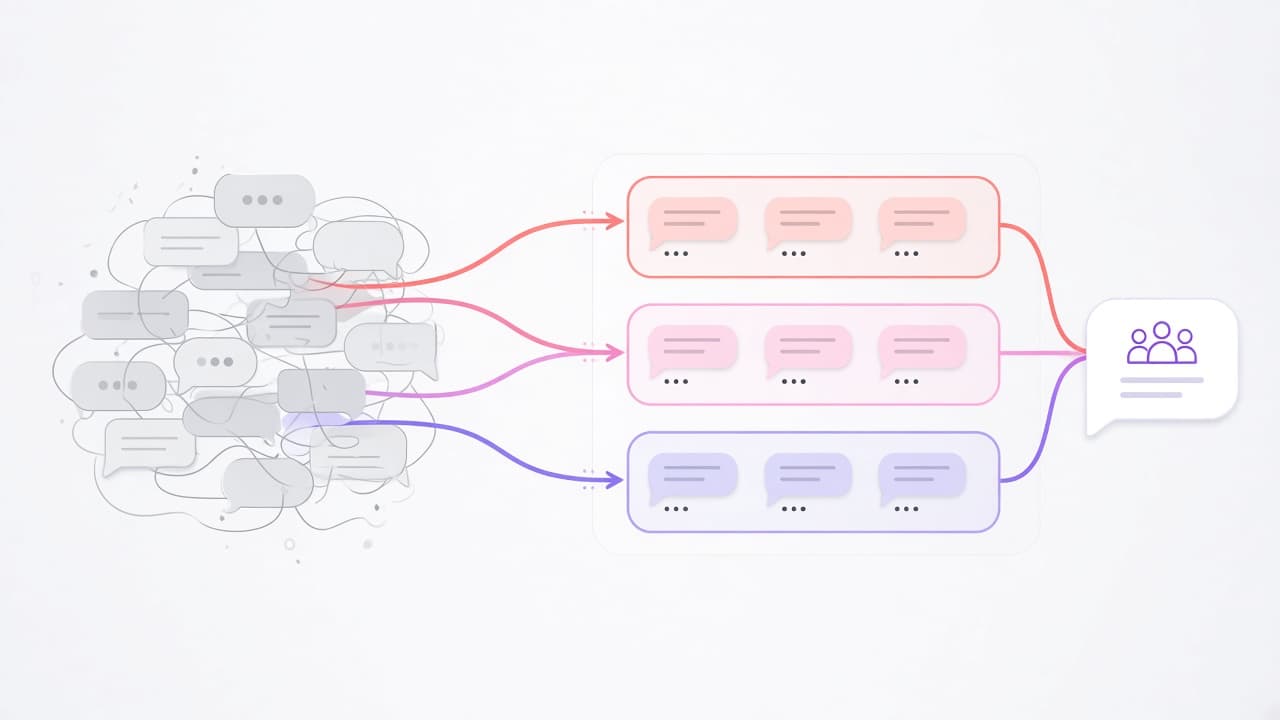
Connect the stack you already run
By Team Two · Last updated September 23, 2026 · 2 min read
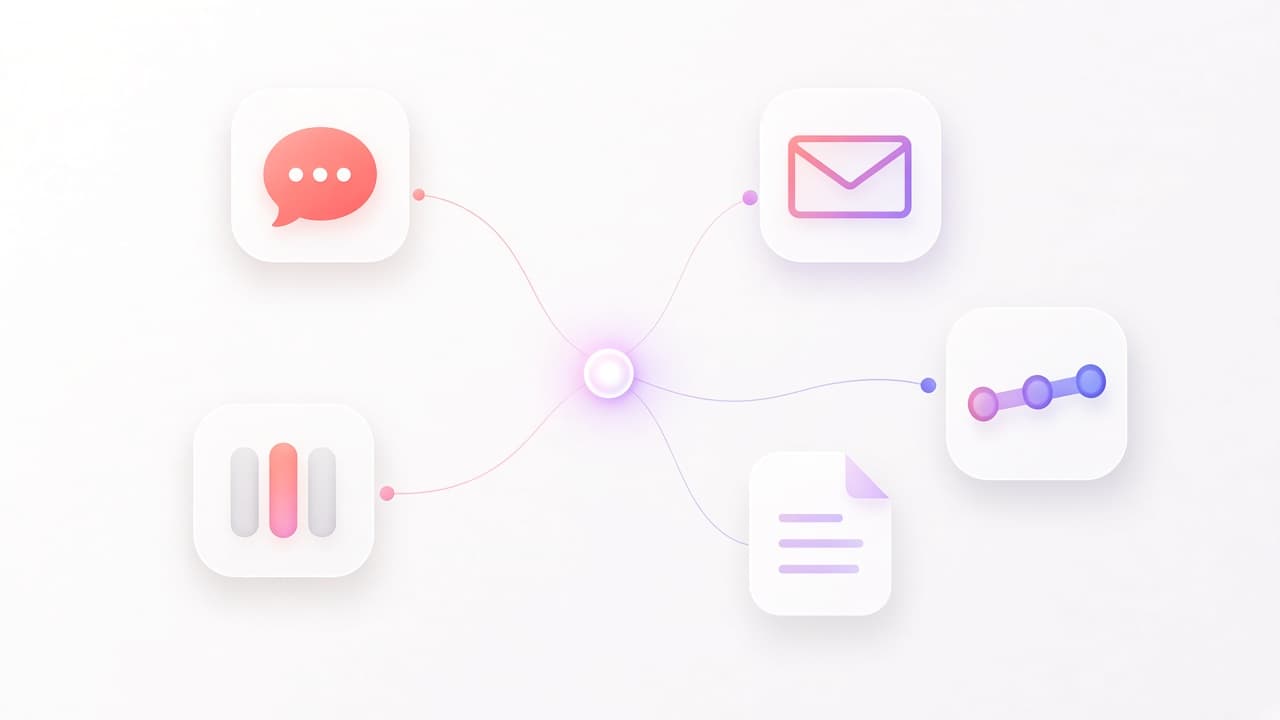
People do not want another inbox. The request already arrived in Slack, in Teams, or in a shared mailbox. The record of what happened already lives in Jira, Notion, Pipedrive, or Intercom. An agent is useful when it can stand in those places, not when it asks you to retype them into a chat box.
Team Two splits that into two ideas. Channels are where a person talks to an agent. Tools are what the agent is allowed to do in other systems.
Where the conversation happens
- Slack, including a bot in socket mode and tools that read channels, threads, and direct messages.
- Microsoft Teams.
- Email over SendGrid, Mailgun, or SMTP. Inbound mail can be read. A customer reply stays a draft until a person approves it.
- Webhooks, for a system you already run.
- The REST API and the Team Two web app, for longer working sessions.
Systems with built-in tools
These are implemented in Team Two. You connect your own account. The agent then gets specific actions, not a blank login:
- Jira: search, create, and update issues, plus boards, sprints, comments, and links.
- Notion: search, read, create, and update pages.
- Bitbucket: repos and pull requests, including comments.
- Figma: files, components, styles, and comments.
- Pipedrive: deals, people, forecasts, and a look at gaps in the pipeline.
- Intercom: conversations, contacts, notes, tags, assignment, and help-center articles.
- Startdeliver: customers, projects, tasks, and users.
Git, code search, Playwright, and document parsing do not need a third-party login. They run against the workspace and the files you give the agent. The full tool picture is in The tools your agents can actually call.
The MCP catalog, and your own server
MCP is how you add a system we did not build a dedicated tool for. The catalog you can connect includes GitHub, PostgreSQL, MongoDB, Google Drive, Google Workspace, Gmail, Sentry, Twilio, SendGrid, Mailgun, Brave Search, Vanta, and Heartpace HRM. Puppeteer is there for a headless browser. Atlassian MCP covers Jira and Confluence over OAuth, next to the built-in Jira tools.
OAuth is used where the provider supports it, including Figma, Atlassian, Notion, Intercom, Gmail, and Google Workspace. Other servers take a token. If your system is not in the catalog, you can add your own MCP server over stdio, SSE, or HTTP. New tools show up without a change to Team Two itself.
A catalog entry is a connection, not a promise that we operate that vendor. GitHub stays GitHub. Your database stays yours. Credentials stay on the connection, and the agent only receives the tools you grant.
Frequently asked questions
Is Slack an MCP server?+
No. Slack is a channel and a set of built-in tools. MCP is for systems that are not built in, such as GitHub or PostgreSQL.
Do we have to connect everything on day one?+
No. Start with the channel your team already lives in and the one system that holds the answer. Add tools when a real request needs them.